Tap to Pay on iPhone
Accept contactless payments right on your iPhone.
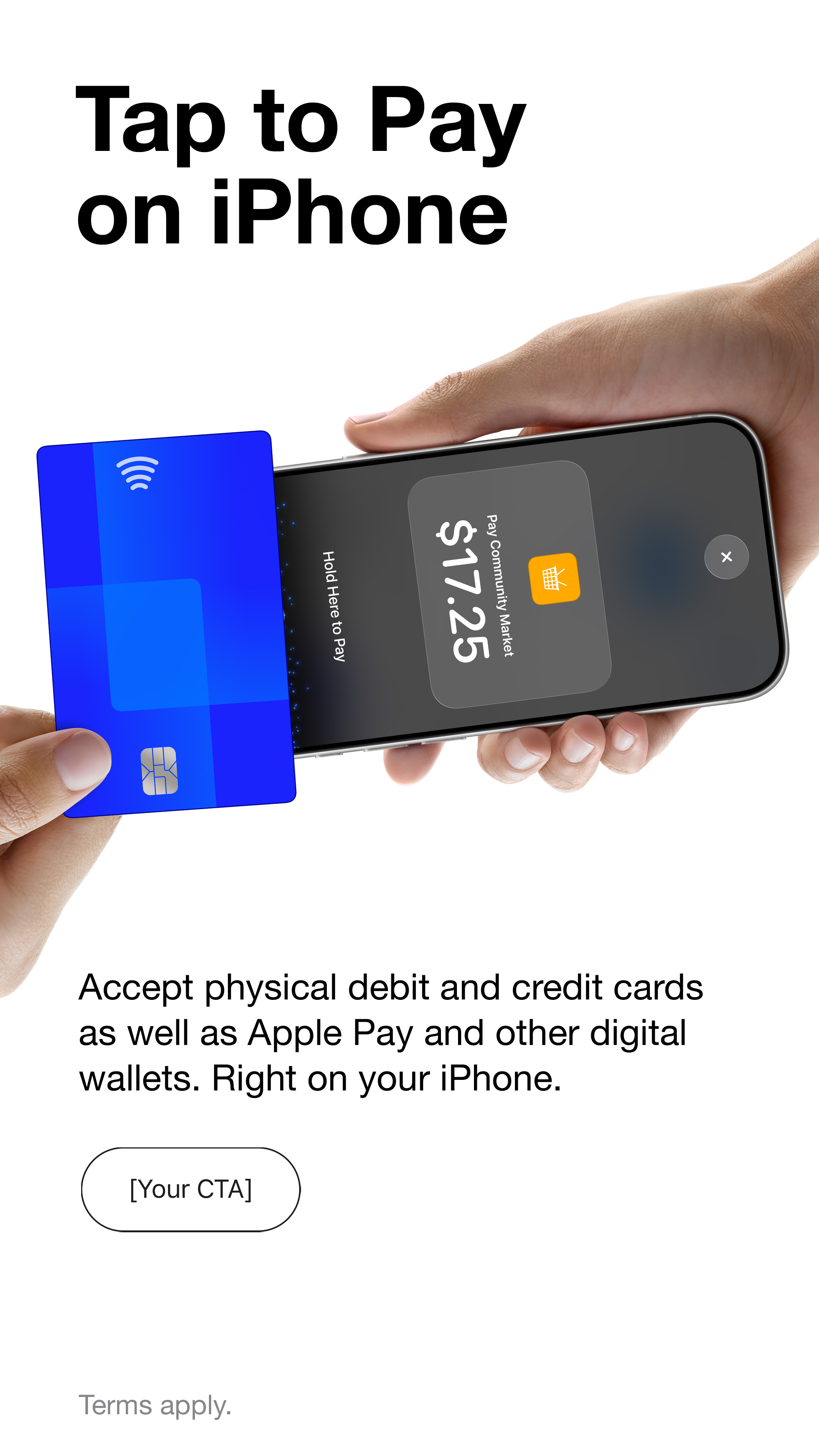
With Tap to Pay on iPhone and Marlo, you can accept all types of in-person, contactless payments right on your iPhone—from physical debit and credit cards to Apple Pay and other digital wallets—no extra readers or hardware needed. It’s easy, secure, and private.
Get started in Marlo.
Already using Marlo? Update to the latest version available to your account. If you use TestFlight, install the latest Marlo build there.
Open Marlo, go to More > Payments, and find Tap to Pay on iPhone. Finish payment setup if needed, accept Apple's terms, and follow the on-screen setup and education. Setup does not charge a card.
When you're ready to take a payment, open Checkout, select the appointment or enter the amount, then press Tap to Pay on iPhone.
Marlo is in early access. If you don't have access yet, join the waitlist.
Accepting payments is easy.
- Open Marlo on your iPhone and enter the purchase amount or select the appointment.
- Present your iPhone to the customer.
- Your customer holds their card horizontally at the top of your iPhone, over the contactless symbol for a few seconds.
- When you see the Done checkmark, the card read is complete and the transaction is being processed.
Tap to Pay on iPhone requirements
Tap to Pay on iPhone requires a supported payment app and the latest version of iOS. Update to the latest version by going to Settings > General > Software Update. Tap Download and Install. Some contactless cards may not be accepted by your payment app. Transaction limits may apply. The Contactless Symbol is a trademark owned by and used with permission of EMVCo, LLC. Tap to Pay on iPhone is not available in all markets. For Tap to Pay on iPhone countries and regions, see developer.apple.com/tap-to-pay/regions.
Apple Pay is a service provided by Apple Payments Services LLC, a subsidiary of Apple Inc. Neither Apple Inc. nor Apple Payments Services LLC is a bank. Any card used in Apple Pay is offered by the card issuer.